
AI Copilots for Enterprise: 8 Patterns That Actually Drive Productivity
Eight practical copilot patterns helping enterprise teams work faster, access information, and make better decisions.
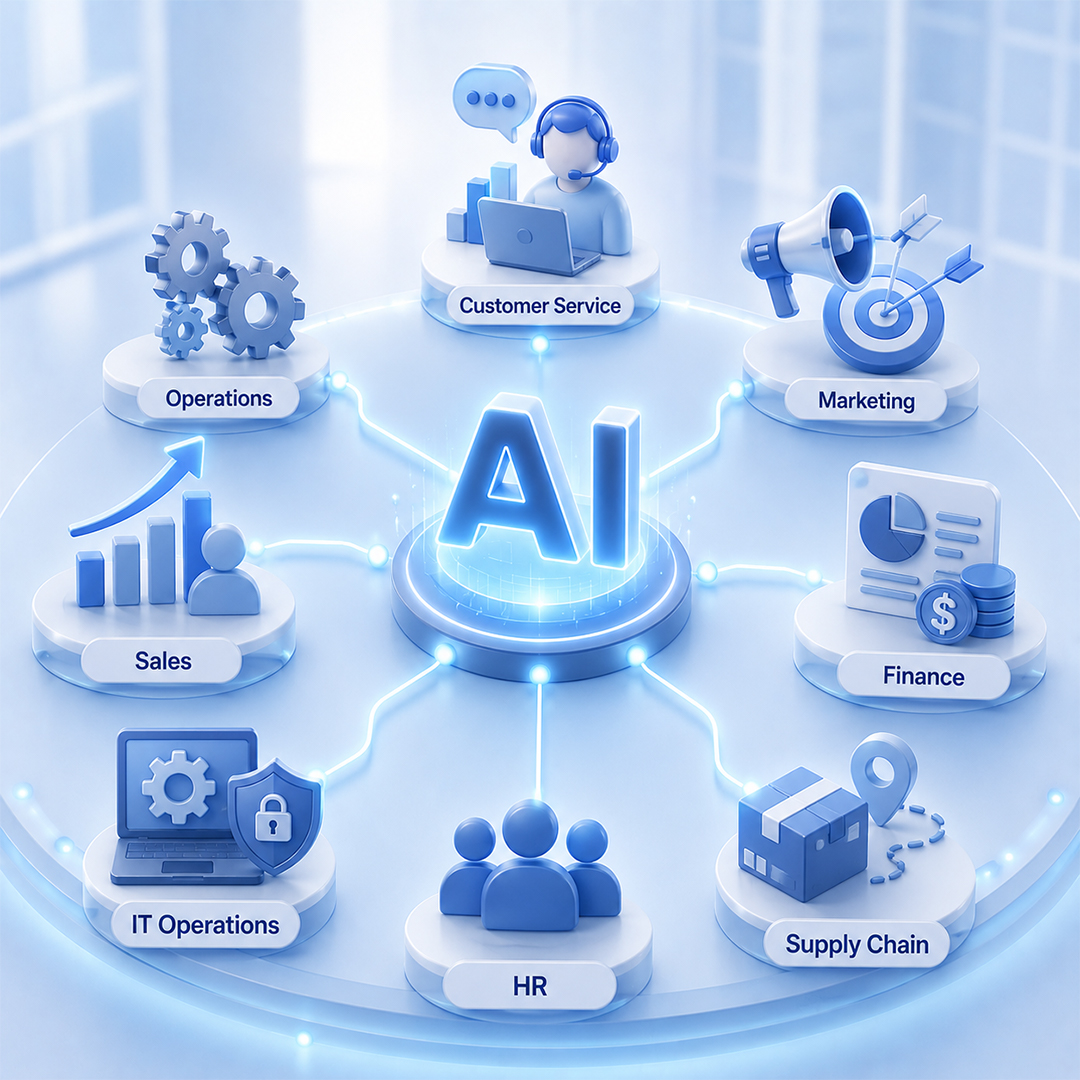
Introduction
Employees spend a significant portion of their workday searching for information, creating documents, responding to repetitive requests, and navigating multiple systems. While digital tools have improved efficiency, many knowledge workers still face productivity challenges caused by fragmented information and manual processes.
This is one reason why organizations are increasingly investing in AI copilot development initiatives.
Unlike traditional automation tools, AI copilots work alongside employees, helping them complete tasks faster, access information more efficiently, and make better decisions within existing workflows. As enterprises move from AI experimentation toward practical business outcomes, AI copilots are emerging as one of the most effective ways to improve productivity without fundamentally changing how people work.
What Is an AI Copilot?
Working alongside people, not replacing them
An AI copilot is an intelligent software assistant designed to work alongside users and help them complete tasks more efficiently. AI copilots can retrieve information, generate content, summarize data, answer questions, provide recommendations, and assist with decision-making within existing workflows.
Unlike traditional automation tools that execute predefined tasks independently, AI copilots are built for human collaboration. They augment employee capabilities rather than replace them. Unlike AI agents, which can execute actions autonomously, copilots typically keep humans involved in decision-making and approval processes.
In simple terms, AI copilots help people work smarter, while AI agents focus on completing work on their behalf.
AI Copilot vs AI Assistant vs AI Agent
How the three categories compare
| Capability | AI Assistant | AI Copilot | AI Agent |
|---|---|---|---|
| Primary Purpose | Answer questions | Assist users within workflows | Execute goals and tasks |
| Human Involvement | High | High | Moderate to Low |
| Workflow Integration | Limited | Deeply integrated | Process-oriented |
| Task Execution | Minimal | Assisted execution | Autonomous execution |
| Decision Making | Basic recommendations | Context-aware recommendations | Goal-driven decisions |
| Tool Usage | Limited | Connected to work systems | Extensive tool orchestration |
| Autonomy | Low | Moderate | High |
| Business Value | Information access | Productivity improvement | Workflow automation |
Why AI Copilots Are Growing in Enterprise Environments
Several business trends are accelerating AI copilot adoption
Organizations increasingly recognize that employees often spend more time searching for information than acting on it. AI copilots help close this productivity gap by bringing information, recommendations, and task assistance directly into workflows.
How AI Copilots Work
A typical AI copilot workflow looks like this
For example, a sales manager preparing for a client meeting can ask a copilot to summarize account history, recent interactions, open opportunities, and renewal risks. Instead of manually gathering information from multiple systems, the copilot provides a consolidated briefing within seconds.
The 8 AI Copilot Patterns That Actually Drive Productivity
Eight patterns, mapped to business challenges
1. Knowledge Retrieval Copilots
Business Challenge: Employees struggle to locate information spread across multiple systems.
How It Works: The copilot searches internal documents, policies, knowledge bases, and business systems to provide contextual answers.
Productivity Impact: Reduces search time and improves information accessibility.
Ideal Users: Operations teams, HR, legal, and support staff.
2. Customer Support Copilots
Business Challenge: Support agents spend excessive time researching answers.
How It Works: The copilot recommends responses, retrieves documentation, and summarizes customer history during interactions.
Productivity Impact: Faster response times and improved service consistency.
Ideal Users: Customer support teams.
3. Sales Productivity Copilots
Business Challenge: Sales teams lose time preparing proposals and researching accounts.
How It Works: The copilot generates meeting briefs, drafts outreach content, and surfaces account insights.
Productivity Impact: More selling time and improved customer engagement.
Ideal Users: Sales representatives and account managers.
4. Meeting & Collaboration Copilots
Business Challenge: Meetings generate large amounts of information that are rarely captured effectively.
How It Works: The copilot records notes, summarizes discussions, identifies action items, and distributes follow-ups.
Productivity Impact: Better alignment and reduced administrative work.
Ideal Users: Managers and project teams.
5. Document Creation Copilots
Business Challenge: Employees spend hours creating routine documents.
How It Works: The copilot drafts reports, proposals, presentations, and internal communications using organizational knowledge.
Productivity Impact: Faster content creation and improved consistency.
Ideal Users: Marketing, finance, legal, and operations teams.
6. Data Analysis Copilots
Business Challenge: Business users struggle to interpret complex data.
How It Works: The copilot analyzes datasets, generates insights, explains trends, and answers analytical questions.
Productivity Impact: Faster decision-making and broader access to analytics.
Ideal Users: Business analysts and executives.
7. Software Development Copilots
Business Challenge: Developers spend time on repetitive coding tasks.
How It Works: The copilot suggests code, explains logic, generates documentation, and assists with debugging.
Productivity Impact: Faster development cycles and improved code quality.
Ideal Users: Engineering teams.
8. Operations & Workflow Copilots
Business Challenge: Operational processes often require navigating multiple systems.
How It Works: The copilot guides users through workflows, retrieves information, and recommends next actions.
Productivity Impact: Reduced process friction and improved execution.
Ideal Users: Operations managers and process owners.
Real-World AI Copilot Examples
How teams are using copilots today
Customer Service Teams
Copilots surface knowledge articles, draft responses, and summarize customer interactions, helping agents resolve issues faster.
Sales Teams
Copilots prepare account briefings, draft proposals, and recommend next actions, allowing sales professionals to focus on relationship building.
HR Teams
Copilots answer employee questions, assist with policy interpretation, and support onboarding activities.
Finance Teams
Copilots summarize financial reports, explain variances, and assist with budgeting and forecasting activities.
IT Teams
Copilots help troubleshoot issues, retrieve technical documentation, and assist with incident management workflows.
Benefits of Enterprise AI Copilots
Six ways copilots move the needle
Common AI Copilot Mistakes
Organizations often struggle because they:
Successful programs focus on solving specific business problems rather than deploying AI for its own sake.
How to Prioritize AI Copilot Opportunities
Five steps to find the highest-value use case
Step 1: Identify Repetitive Knowledge Work
Find tasks requiring frequent information retrieval or content creation.
Step 2: Measure Time Spent
Quantify productivity losses.
Step 3: Assess Information Availability
Ensure required knowledge sources exist.
Step 4: Estimate Productivity Gains
Identify areas with measurable business impact.
Step 5: Pilot and Optimize
Start small and refine before scaling.
AI Copilot Implementation Roadmap
Phase 1: Use Case Selection
Identify high-value productivity opportunities.
Phase 2: Knowledge Integration
Connect relevant business systems and data sources.
Phase 3: Pilot Deployment
Launch with a targeted user group.
Phase 4: User Adoption
Train users and encourage workflow integration.
Phase 5: Optimization & Expansion
Measure outcomes and scale successful deployments.
How to Measure AI Copilot Success
Five metric categories worth tracking
1. Productivity Metrics
Measure task completion rates and output volume.
2. Time Savings Metrics
Track reductions in research, reporting, and administrative effort.
3. User Adoption Metrics
Monitor active usage and engagement levels.
4. Quality Metrics
Measure accuracy, consistency, and error reduction.
5. Business Impact Metrics
Track revenue impact, cost reduction, and customer outcomes.
What to Expect in 2026 and Beyond
The next generation of enterprise copilots will include:
The focus will remain on augmenting human performance rather than replacing employees.
Frequently Asked Questions
Common questions about enterprise AI copilots
What is an AI copilot?
An AI copilot is an intelligent assistant that helps users complete tasks, access information, generate content, and make decisions within existing workflows.
How is a copilot different from an AI agent?
A copilot assists humans during work, while an AI agent can execute tasks and workflows with greater autonomy.
What are the best enterprise use cases?
Knowledge management, customer support, sales productivity, document creation, meeting assistance, and workflow support are among the most common use cases.
How do AI copilots improve productivity?
They reduce time spent searching for information, creating content, and performing repetitive tasks while improving decision-making speed.
Are AI copilots replacing employees?
No. Most enterprise copilots are designed to augment employees by improving efficiency rather than replacing human expertise.
How long does implementation take?
Simple pilots may launch within weeks, while enterprise-wide deployments often require several months of planning and integration.
What industries benefit most?
Financial services, healthcare, manufacturing, retail, technology, and professional services all benefit from AI copilots.
How should businesses get started?
Begin with a clearly defined use case, connect relevant knowledge sources, pilot with a small group, and measure productivity outcomes before scaling.
Conclusion
AI copilots are becoming one of the most practical ways for organizations to improve productivity and employee efficiency.
Unlike traditional automation solutions, they work alongside people, helping them access information, generate content, and make better decisions within existing workflows. The most successful deployments focus on high-value use cases, strong knowledge integration, and measurable business outcomes. Organizations that start with targeted productivity challenges and continuously optimize adoption efforts are likely to realize the greatest long-term value.
As organizations look for practical ways to improve productivity and employee efficiency, AI copilots are becoming an increasingly valuable part of enterprise AI strategies.
Kambaa helps businesses design, develop, deploy, and optimize AI copilots tailored to customer service, sales, operations, knowledge management, and enterprise workflows.